
Realistic device frames
iPhone, iPad, Android phone and tablet, and MacBook frames in dark, light or purple finishes.
Drop in your app screens, pick a device frame, add a catchy caption, and export every size the App Store, Google Play and Mac App Store need, in one click. No Figma, no Photoshop.
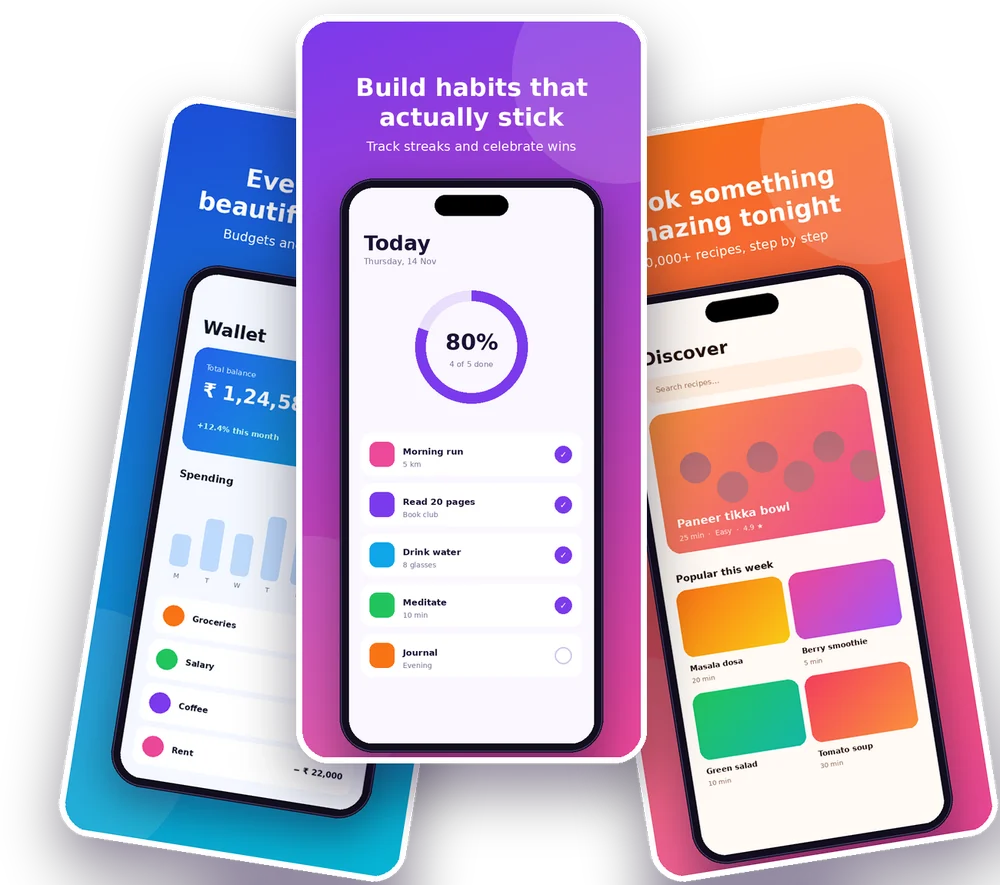
Every image below was laid out with the same frames, captions and gradients you get in the Studio.
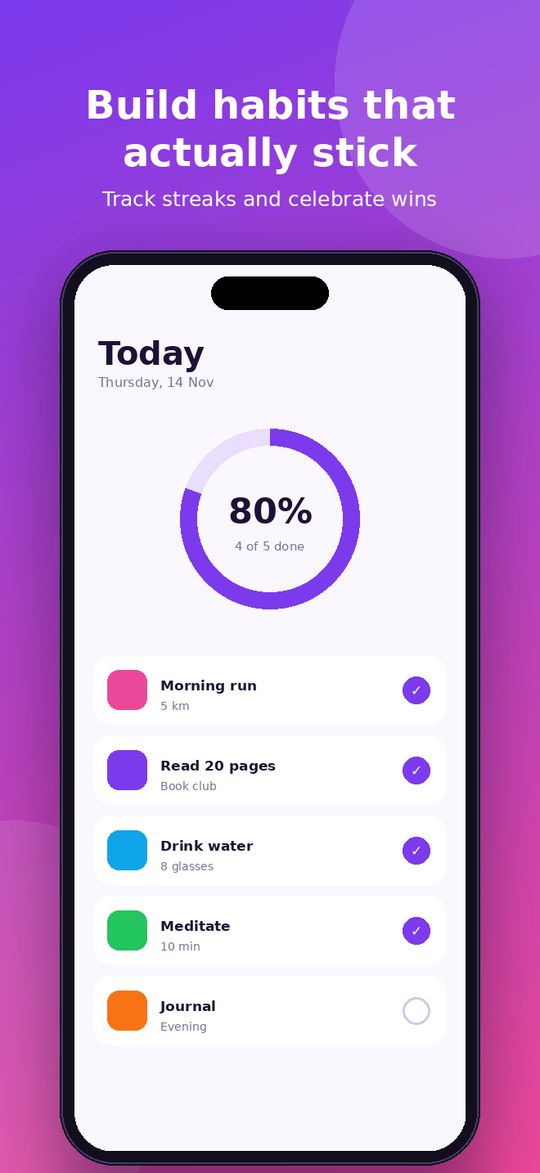
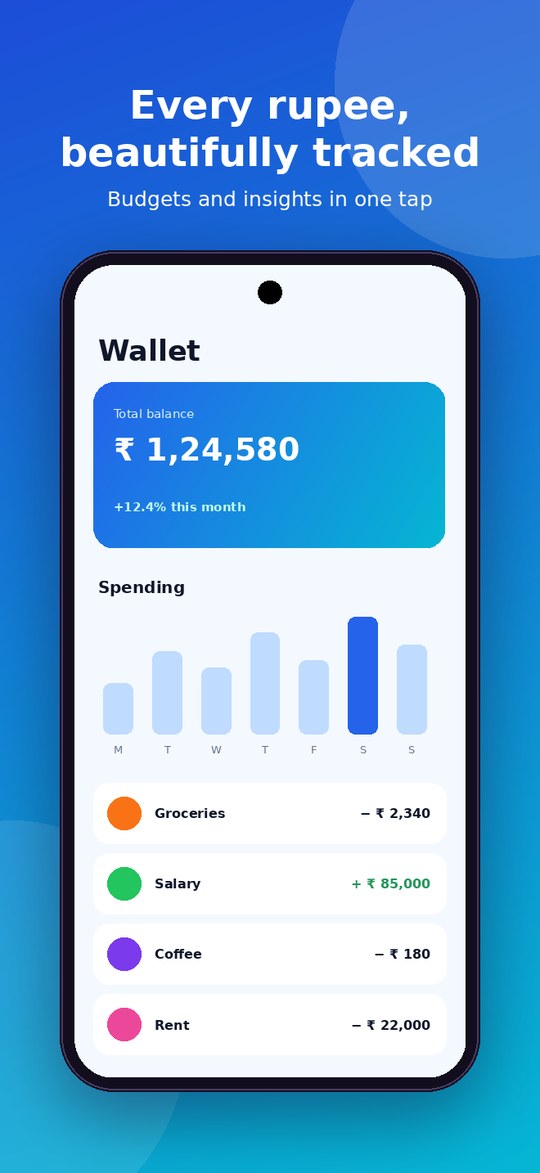
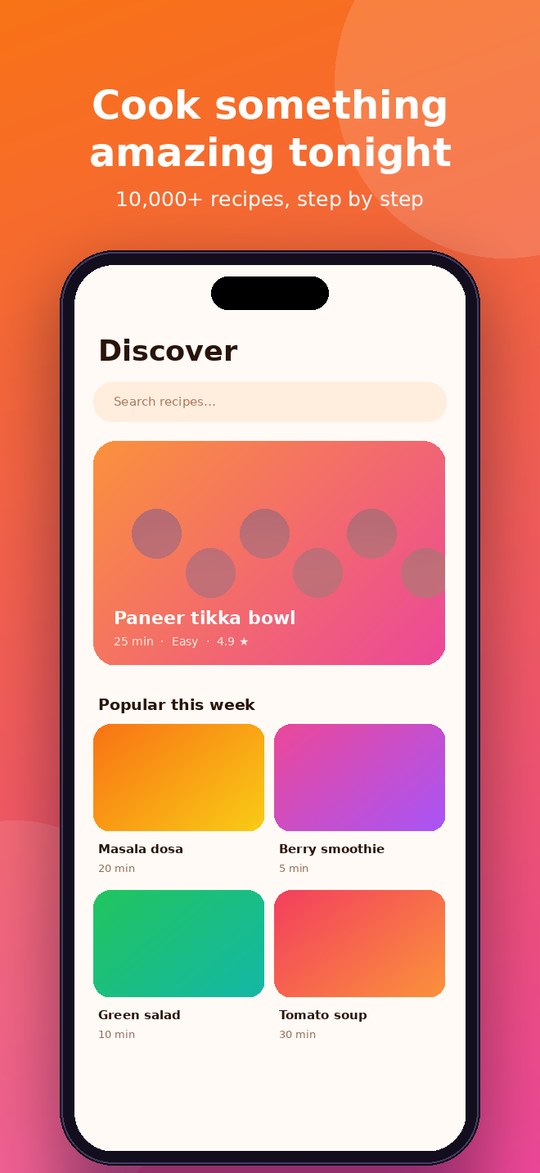
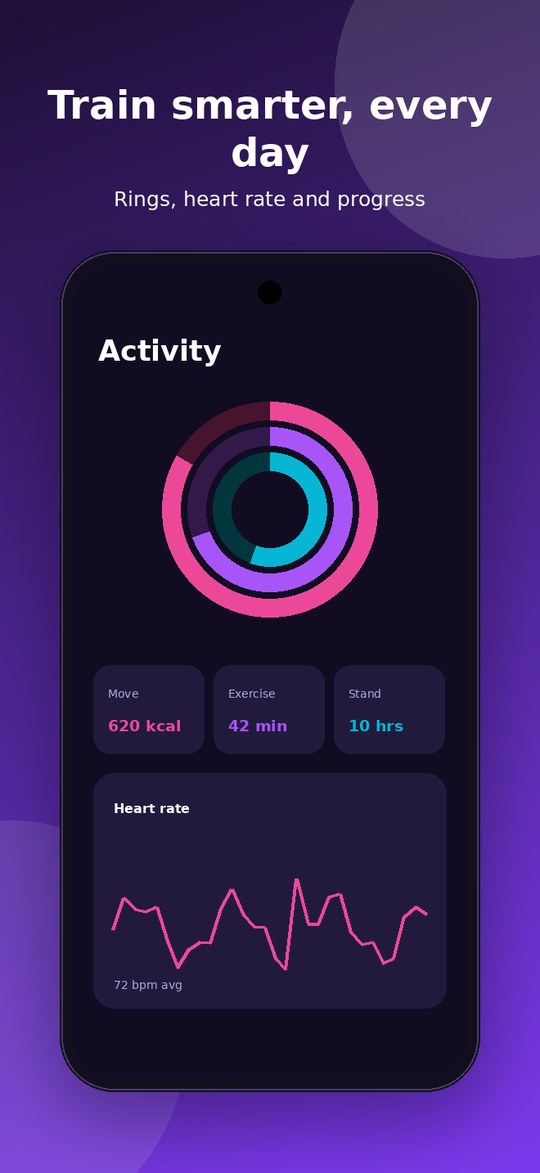
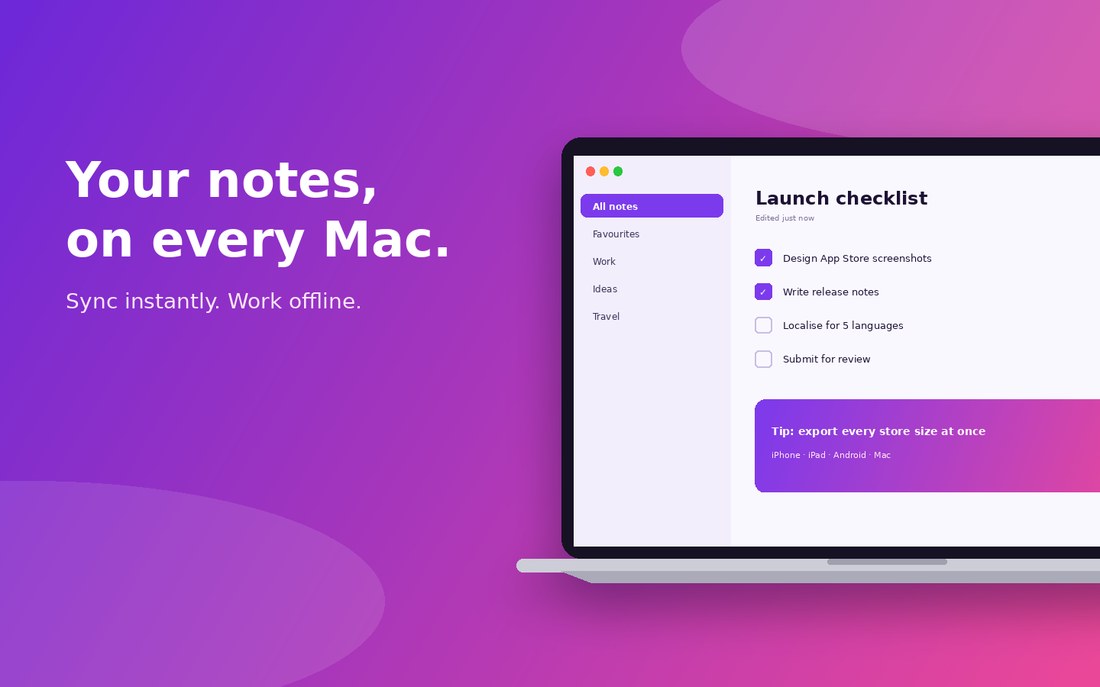
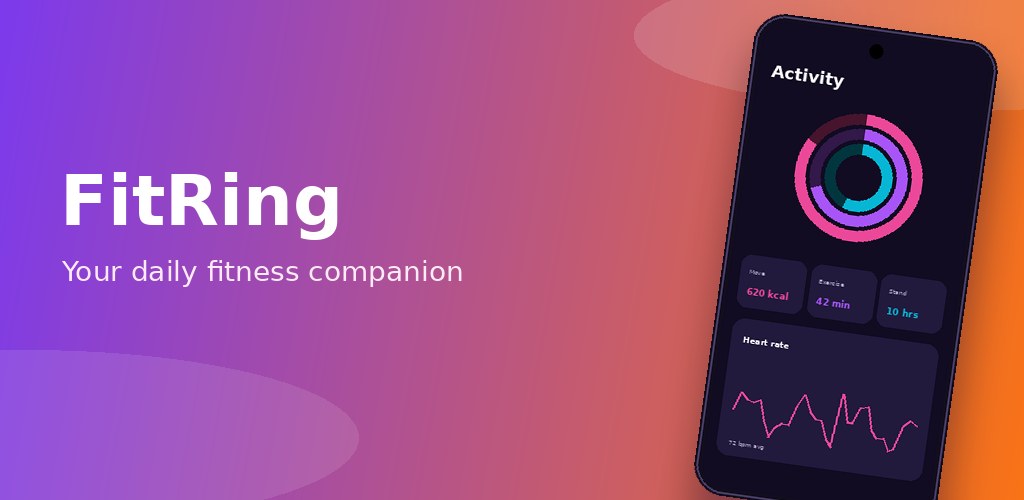
Your screenshots are the first thing people see. ShotCanvas makes them look like a design team made them.
iPhone, iPad, Android phone and tablet, and MacBook frames in dark, light or purple finishes.
Bold headlines and subtitles, placed above or below the device, with size and colour controls.
Hand-picked gradient presets or your own brand colours, with decorative shapes that pop.
Export a ZIP with iPhone 6.9", 6.5", iPad 13", Android, Play feature graphic and Mac sizes.
Up to 10 screens per project. Apply a template to all screens at once for a consistent set.
Your screenshots stay in your browser. Nothing is uploaded, and projects save instantly on your device.
Drag in screenshots from the simulator or your phone. They stay on your device.
Choose a frame, write a caption, pick a gradient, and see it live as you type.
Tick the sizes you need and download a ready-to-upload ZIP. Done.
Create your free ShotCanvas account and make your first set in minutes.
Start free with your email →