
Gradient presets
Twelve hand-picked gradients, solid colours, angle control and decorative shapes.
Built for indie developers, agencies and product teams who want great listings without a design tool.
Show your app the way people will use it. Frames are drawn at full resolution, so they stay crisp at every store size.
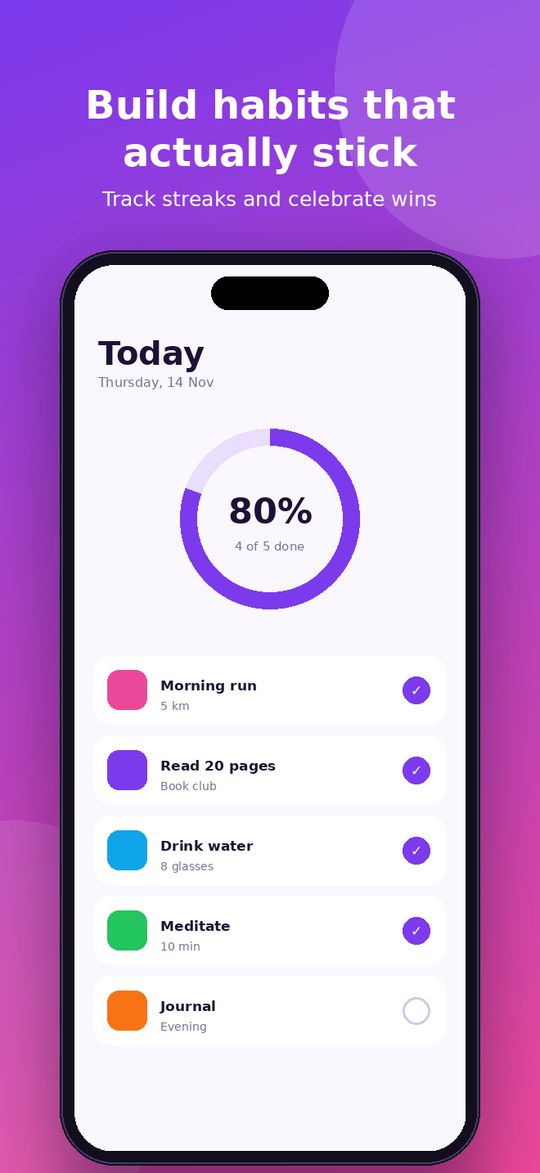
Most people never read your description. They scroll your screenshots. A short, bold headline on each one sells the benefit.
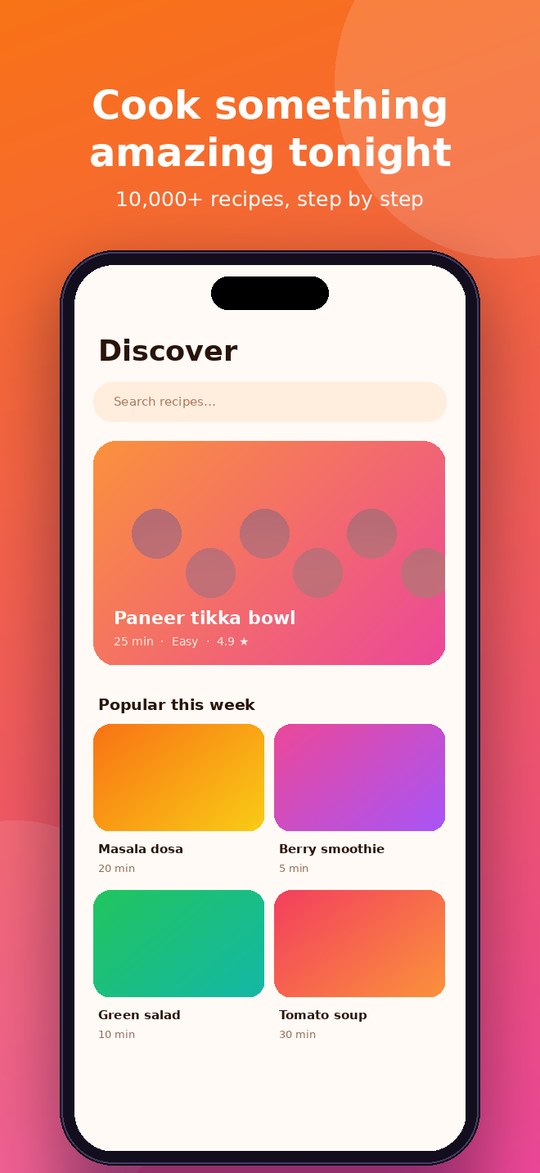
Pick the stores you're publishing to. ShotCanvas re-lays out each screen for every size and bundles it all in a ZIP, organised by folder.
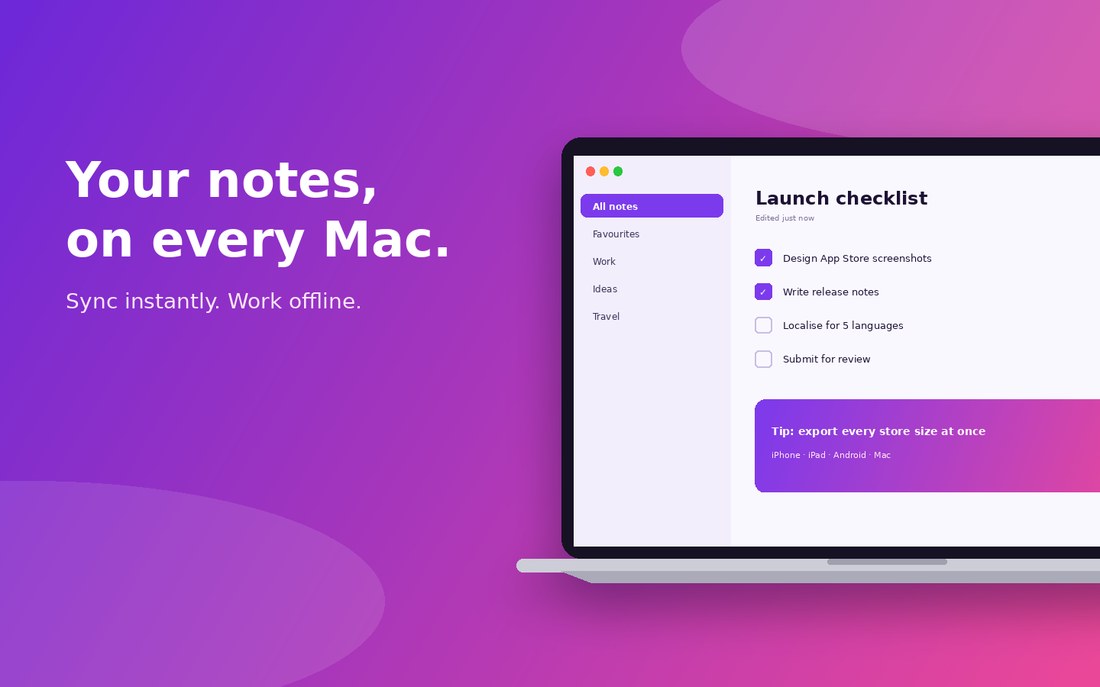
Twelve hand-picked gradients, solid colours, angle control and decorative shapes.
Apply a layout and colour style to every screen in a set with one click.
Add, duplicate, reorder and delete screens. Your set always stays consistent.
Drop a screenshot onto the canvas or paste it. PNG, JPG and WebP.
Projects and screenshots are saved in your browser. Download a backup file or share a layout link anytime.
Work the way you like, with light, dark or system theme in the Studio.
For the App Store, a 6.9-inch iPhone set (or 6.5-inch) is required, plus a 13-inch iPad set if your app runs on iPad. Smaller devices are scaled automatically. Google Play needs phone screenshots and a 1024 × 500 feature graphic. Store rules change, so always check the latest requirements before you submit.
No. Your screenshots and projects are stored only in your browser on your device, and final images are rendered there too. Use Backup to save a project file, for example to move it to another computer.
Projects stored in the browser are removed with it. Download a backup of projects you want to keep, and import it again anytime.
Yes. Create an account and start designing. Fair-use limits on projects, storage and daily exports keep the service fast for everyone.
ShotCanvas uses Verdana for a clean, readable look at every size. More options may come in future updates.
No. ShotCanvas is an independent tool. Device frames are generic illustrations, and Apple and Google trademarks belong to their owners.
It's free to start, and your first export is minutes away.
Get started free →